Private gallery delivery · Stored in Québec, Canada
Deliver the shoot.Stay in control.
Upload, choose how clients get in, send the link. Clients pick and download their photos without creating an account. Your originals stay in private storage, in Québec, Canada.
- Password or link access
- No account needed for clients
- Private originals, signed links
How it works
From export to link in minutes.
Three steps. No templates to configure.
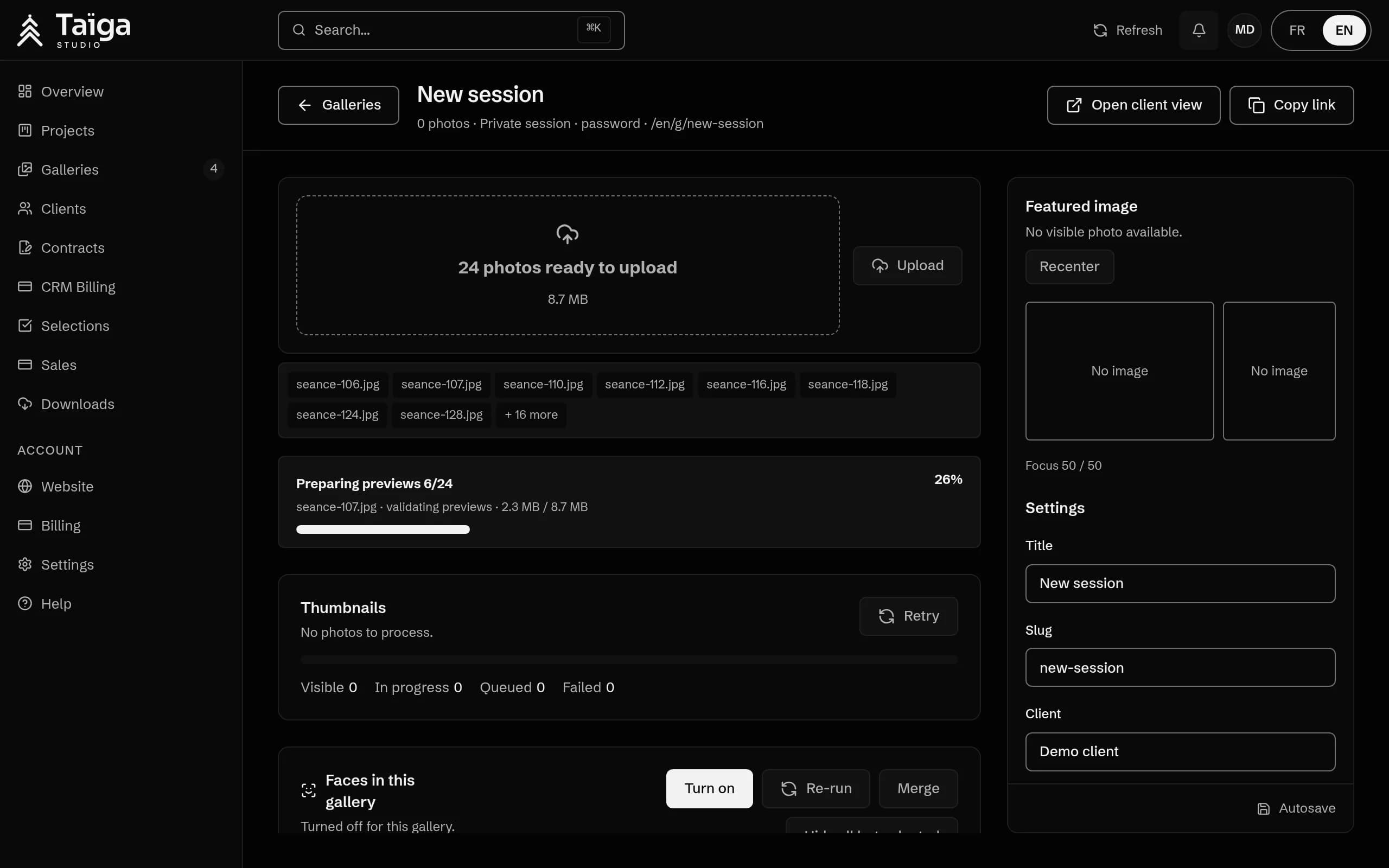
Upload
Drag in the shoot, or send it from Lightroom. If the connection drops, the upload resumes where it left off.
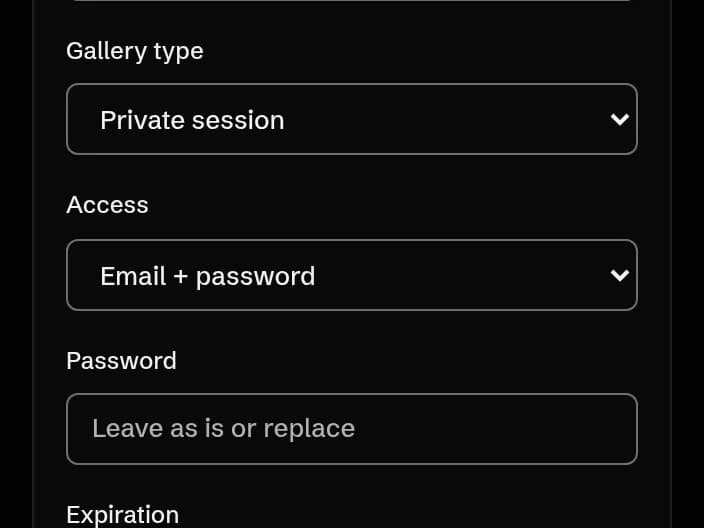
Set access
Password or private link, expiry date, included downloads or proofing selection.
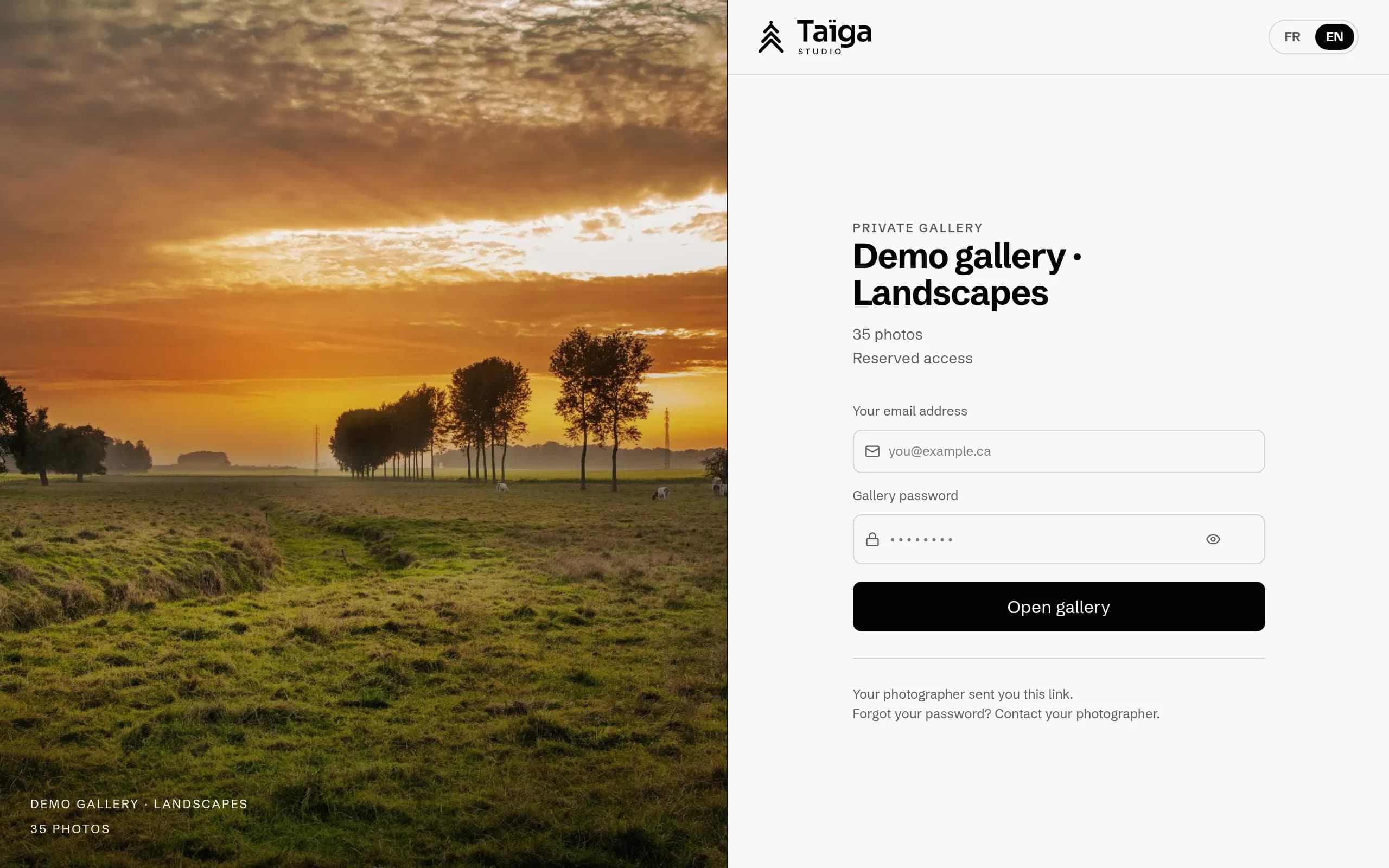
Send the link
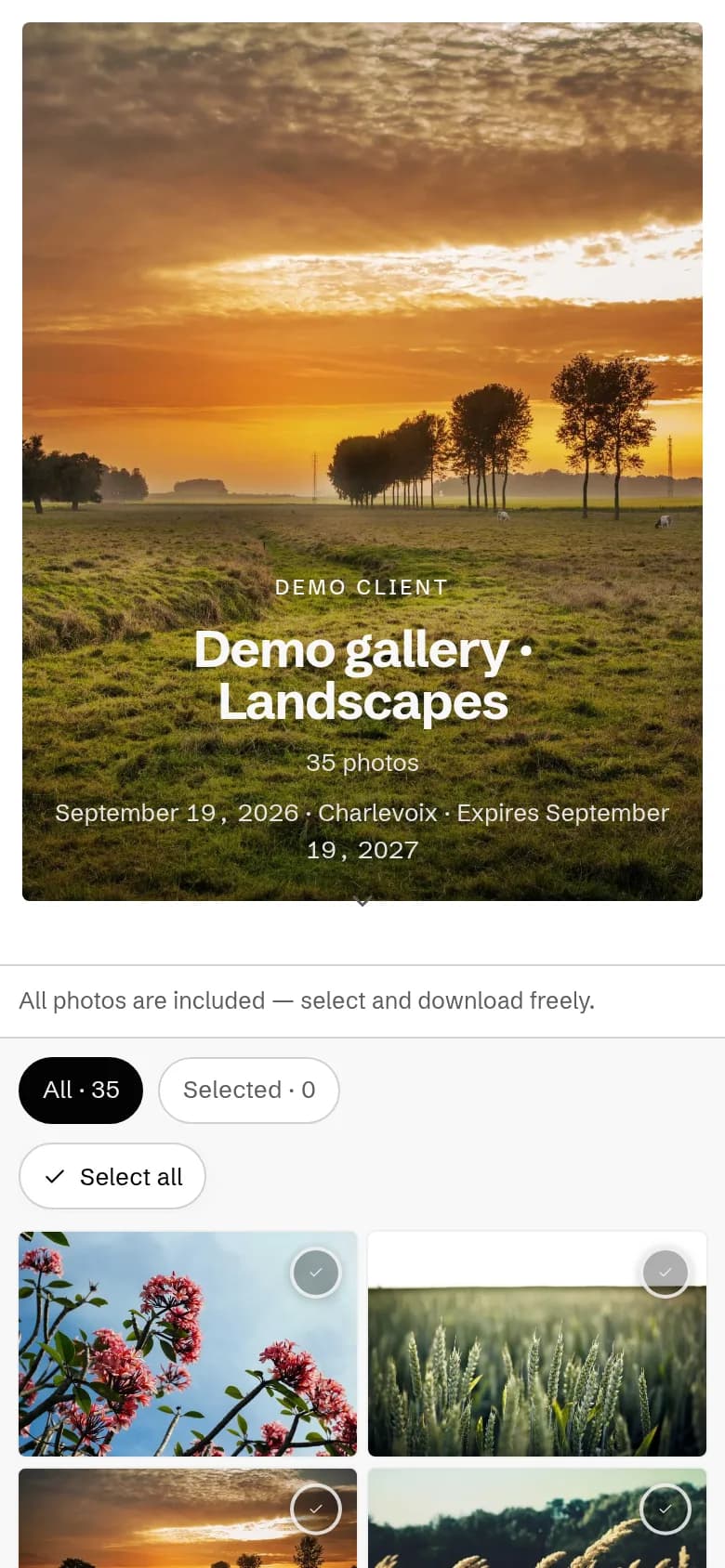
Your client opens the gallery, picks favourites and downloads. You see their selection in your dashboard.
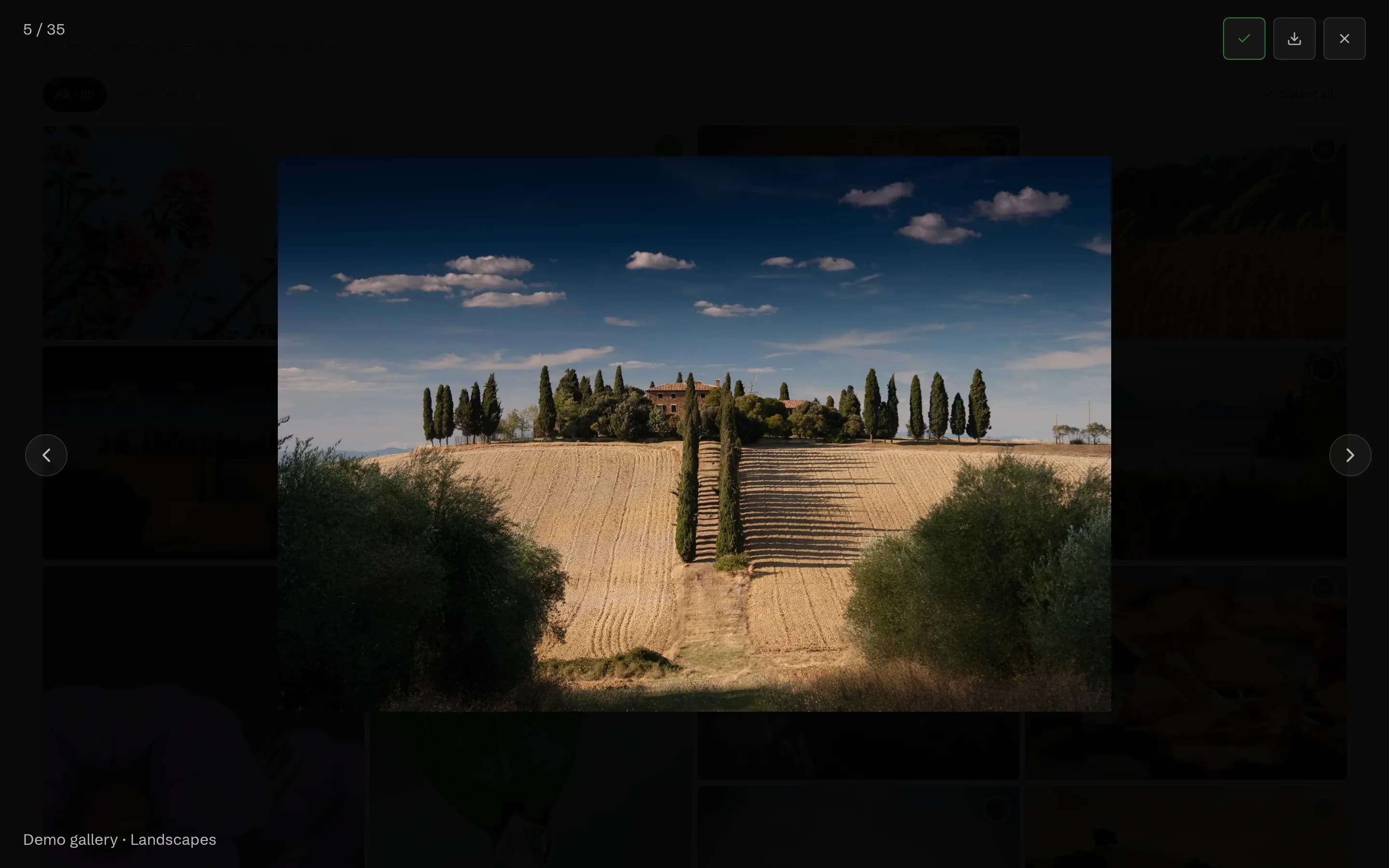
For your clients
A gallery that gets out of the way of the photos.
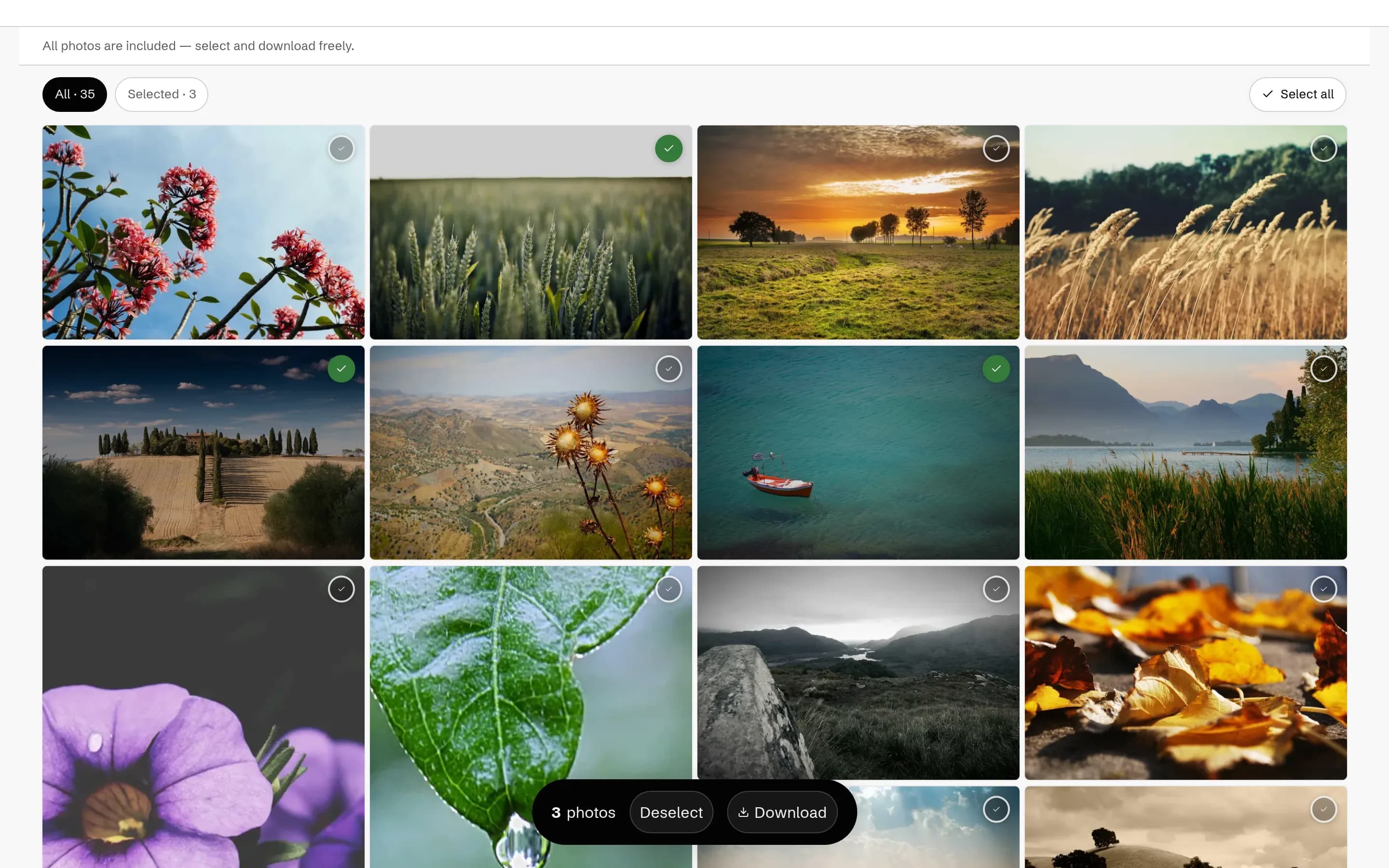
A neutral, colourless interface so your whites and skin tones stay exactly as delivered. Works with a keyboard or a finger.
- No account to create: a password or a link is enough
- Favourites and selection, with a cap if you set one
- Download single photos or the whole gallery as a ZIP
- Event galleries: guests find their photos with the face filter
Privacy
Your originals don’t travel.
Clients trust you with private moments. Here is exactly how Taïga Studio handles them.
Stored in Québec
Files are kept with OVHcloud, in its Beauharnois data centre in Québec, Canada.
Originals never public
Only previews are served publicly. Originals stay in private storage and leave only through a signed link that expires after 5 minutes.
Nothing identifying in storage
Files are stored under opaque identifiers, with no client names, gallery titles or file names.
Access that closes
Per-gallery password or link, an expiry date, and Lightroom sessions you can revoke at any time.
For you
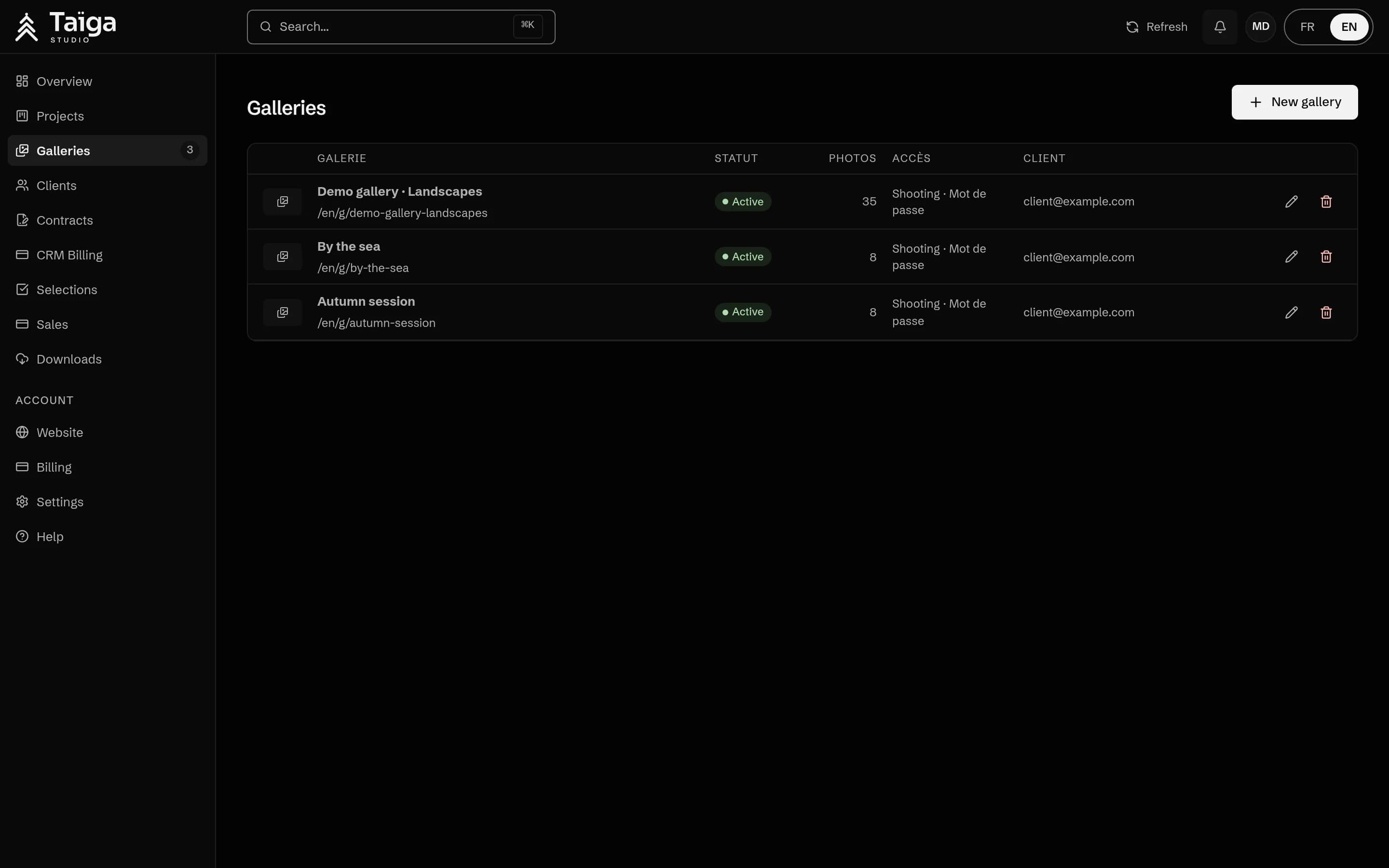
A dense dashboard, not a CMS.
A dark interface for judging images without distraction. Everything delivery needs, nothing more.
- Client or event galleries
- Two modes: proofing (selection) or included downloads
- Selections and downloads tracked per gallery
- Publish straight from Lightroom Classic
- Batch upload with automatic resume
Early access
Taïga Studio is opening gradually.
We’re welcoming a small number of photographers at a time. Write us a few lines: your specialty and how many galleries you deliver each month.
Opens your email app. Address: [email protected]
Pricing will be published at launch.
Frequently asked questions
Where are my photos stored?
With OVHcloud, in Beauharnois, Québec. Originals sit in private storage; only optimised previews are served for display.
Do my clients need an account?
No. They open the gallery with a password or a private link, whichever you choose.
How much does it cost?
Pricing will be published at launch. During early access, we’ll discuss it with you directly.
What happens when a gallery expires?
Clients can no longer open it. You can change the expiry date at any time from your dashboard.
Which languages?
French and English, for you and your clients.